
Chrome Extension
The Obris Chrome extension lets you save text selections and full pages directly to your topics. Anything you save becomes part of your expert's knowledge, available to your team through any connected AI tool.
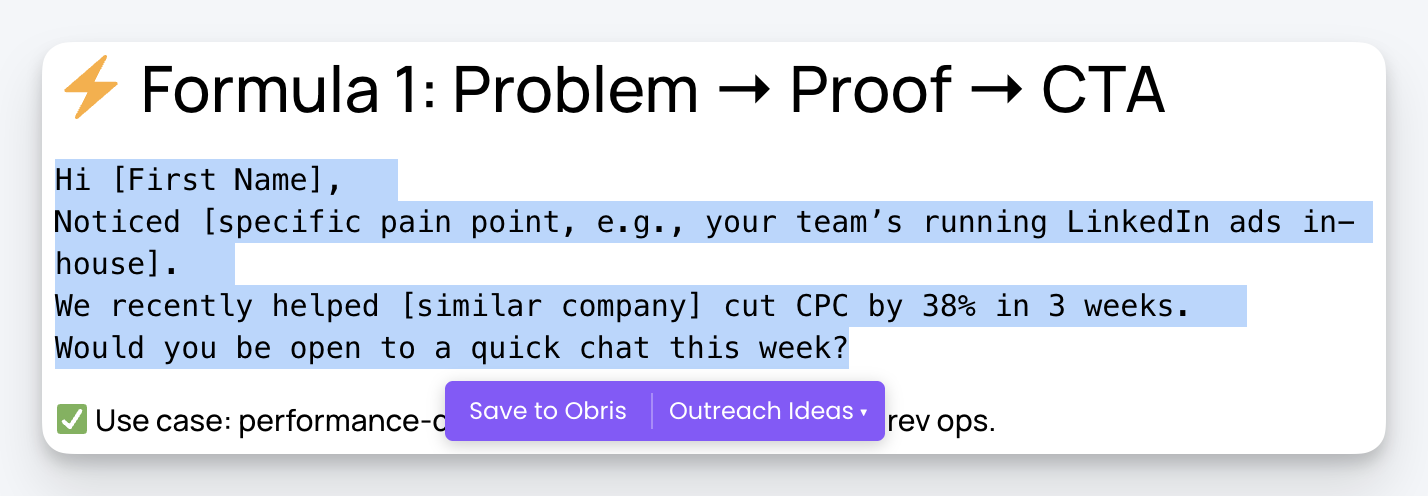
The Chrome extension is one of several ways to add knowledge to Obris. You can also sync from Google Drive or Notion, upload files in the dashboard, or use the CLI.
Installation
- Visit the Chrome Web Store listing and click Add to Chrome.

- Click the Obris icon in your browser toolbar and log in with your Obris account credentials.
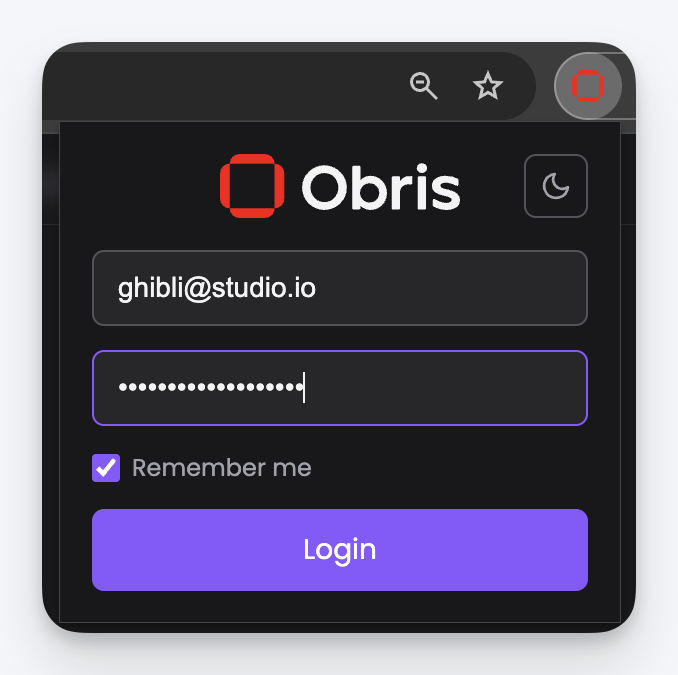
You need an Obris account to use the extension. If you do not have one yet, sign up at app.obris.ai.
Save a text selection
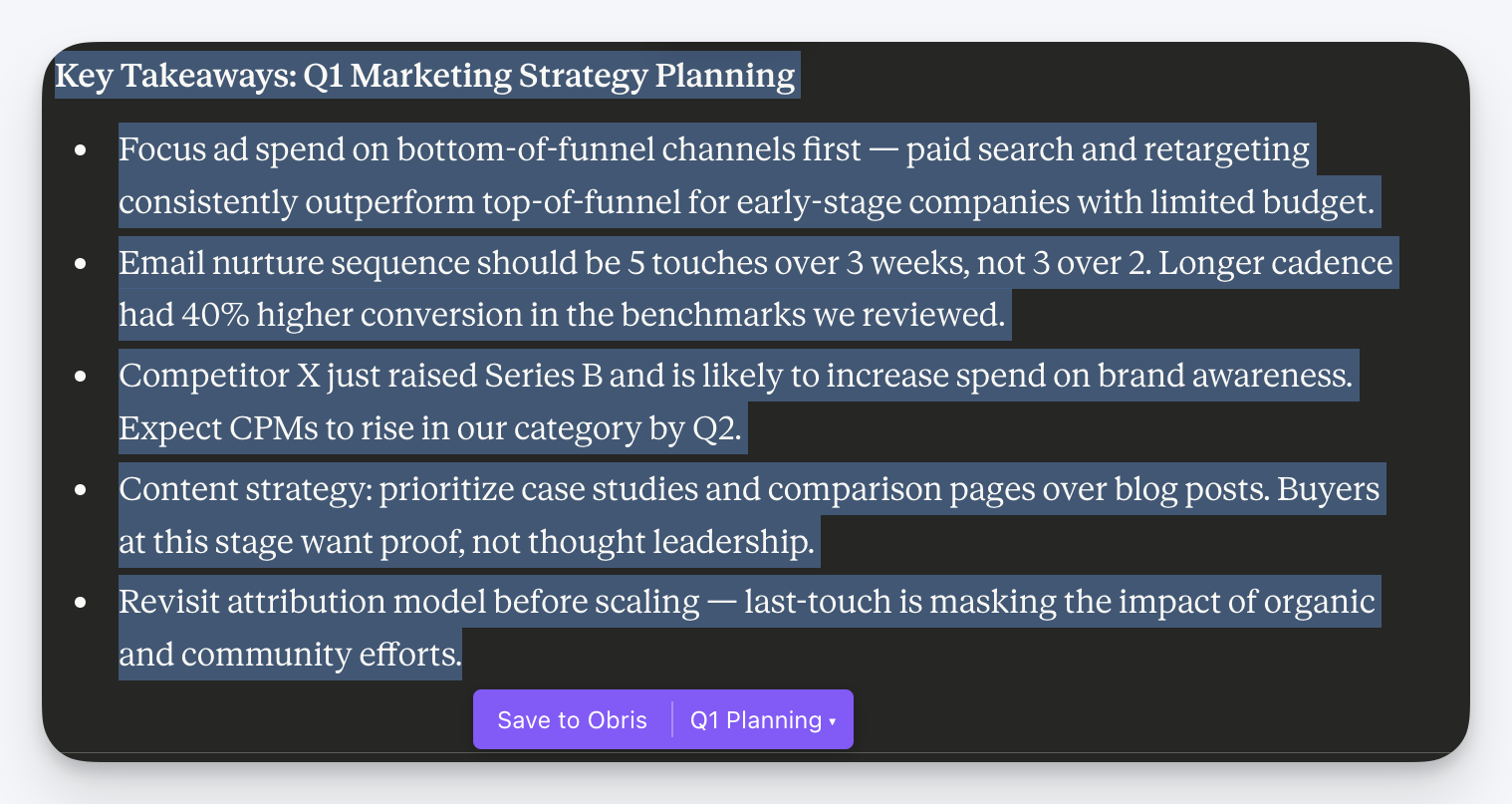
- Highlight any text on a webpage.
- A floating Save to Obris button appears near your selection.
- Click Save to Obris to save to your currently selected topic.
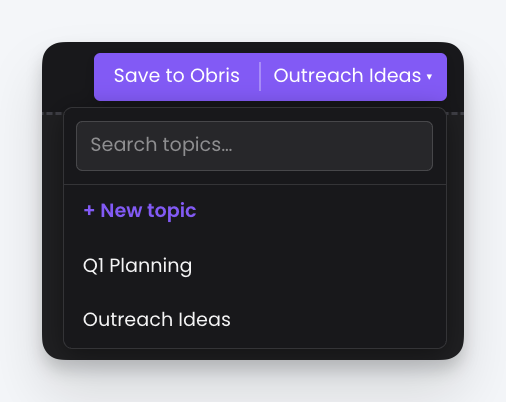
The button also has a topic selector on the right side. Click it to switch topics or create a new one before saving.
A confirmation toast appears when the save completes. Click it to jump straight to your saved content in Obris.
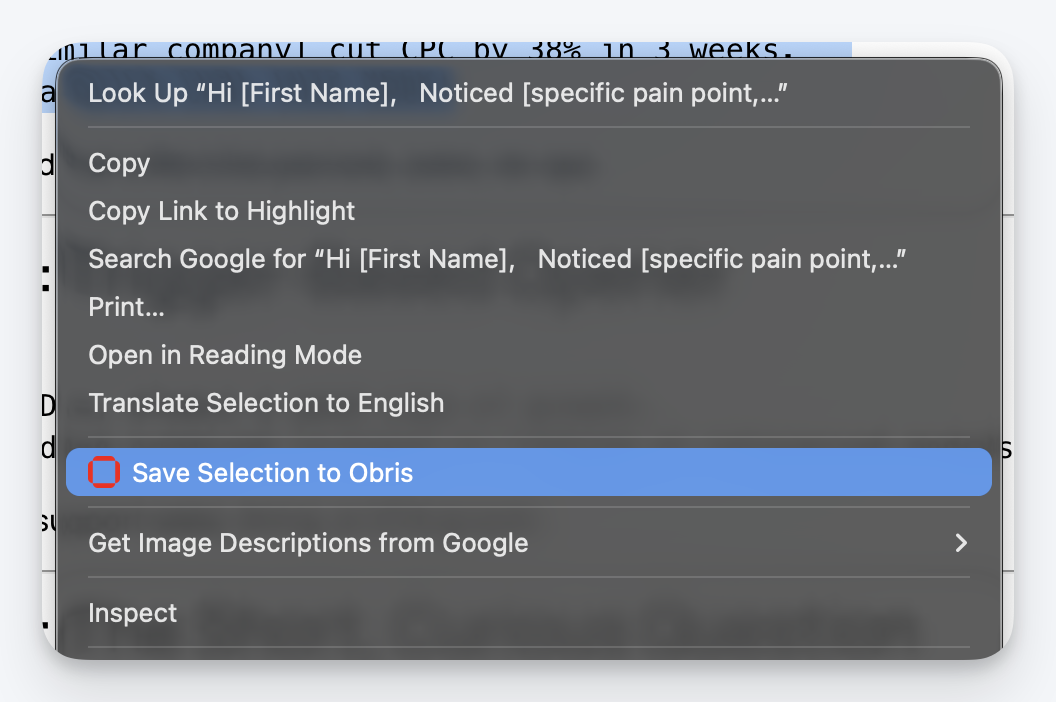
Save via right-click menu
- Select text on any webpage (or do not select anything to save the full page).
- Right-click to open the context menu.
- Choose Save Selection to Obris when text is highlighted, or Save Page to Obris when no text is selected.
Save a full page
Right-click anywhere on a page (without selecting text) and choose Save Page to Obris. The extension captures the full page content along with the page URL and title.
Topics
Every saved item goes into a topic. The extension remembers your last-used topic for convenience.
- Switch topics: Click the topic selector on the floating button or in the topic picker modal.
- Create a topic: Type a name in the "New topic" field inside any topic selector. The topic is created instantly and selected.
- Single topic auto-select: If your account has only one topic, it is selected automatically.
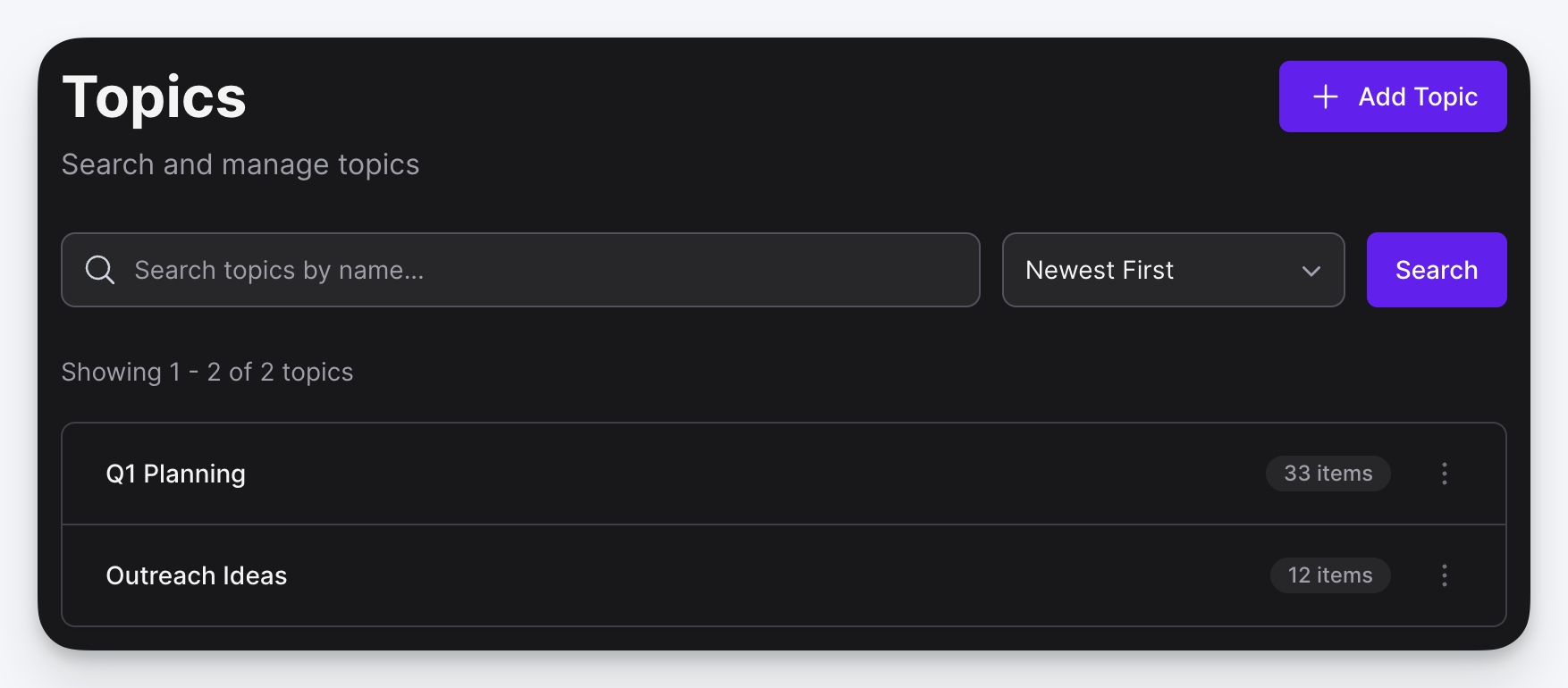
Topics you create from the extension appear immediately in the Obris app and are accessible to any expert that includes them.
What gets saved
When you save content, the extension sends:
- Selected text or full page HTML (depending on the save method)
- Page URL: the source URL of the page
- Page title: the document title
All saved content is associated with your Obris account and the topic you selected. Any expert that includes that topic will have access to the content immediately.
Privacy
The extension only accesses page content when you explicitly save something. It does not track your browsing, collect analytics, or send data in the background.